
Find winning keywords. Track every rank. Report automatically.
Datarova shows you the actual clicks, sales and conversion rates behind every Amazon search term, not estimates. Then it tracks your niche daily and keeps your reports fresh while you sleep.
How Datarova works, in four connected steps
The workflow: Discover · Organize · Track · Automate
One connected workflow, from research to reporting
Each step feeds the next. Here’s what that looks like in the app, screen by screen.
Step 1: Discover
Research built on real Amazon shopper behaviour, not estimates
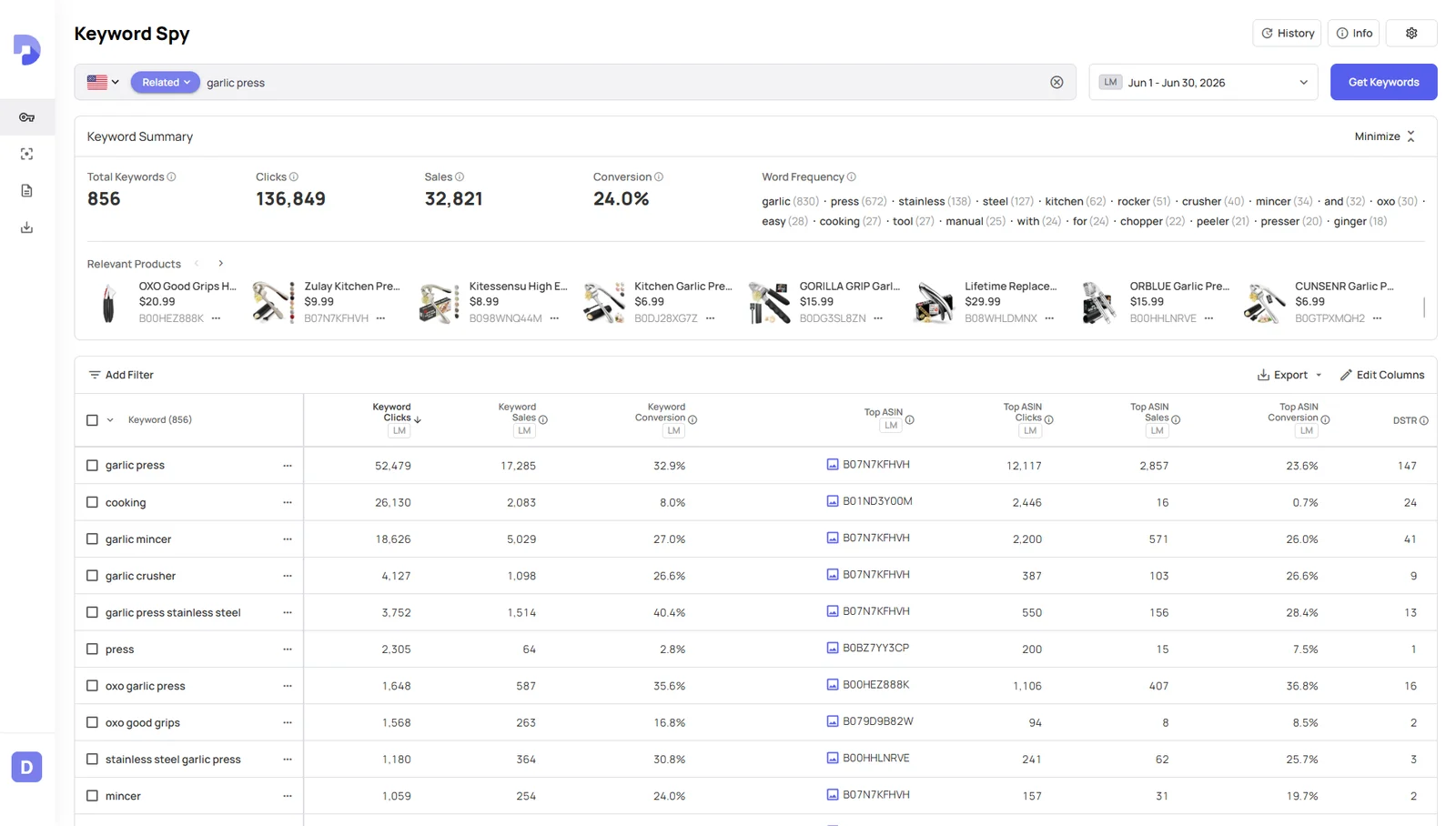
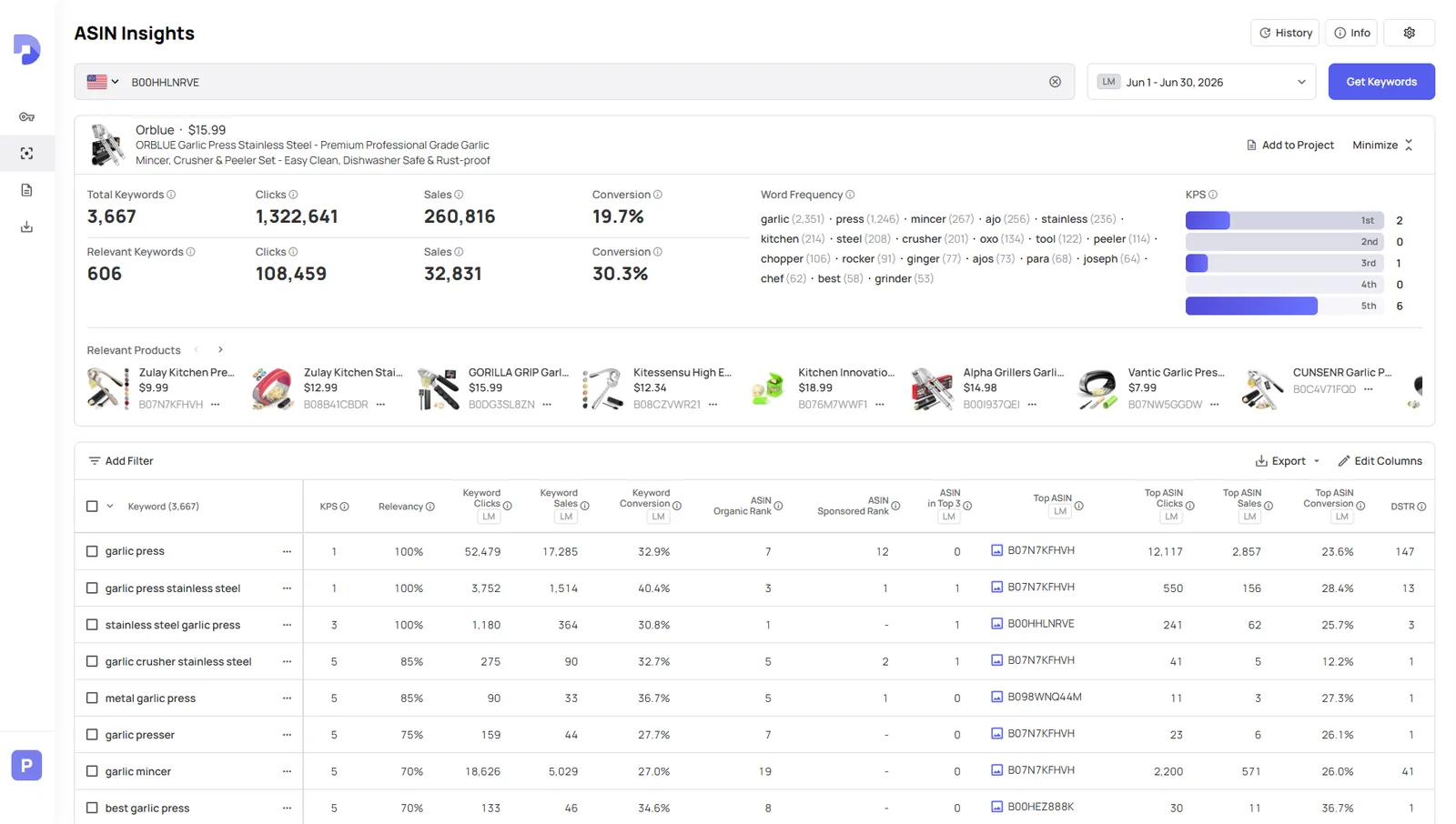
Type one keyword and Keyword Spy returns thousands of related terms with real clicks, sales and conversion rates. Paste a competitor’s ASIN into ASIN Insights and see its strongest keywords, backed by the same real data.
 Search one keyword and get thousands of related terms in seconds
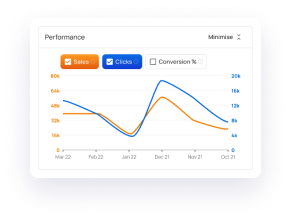
- See the data for any week, month or season you choose
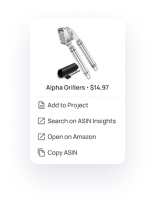
- Start from any competitor’s ASIN and see the keywords it wins clicks and sales on
Step 2: Organize
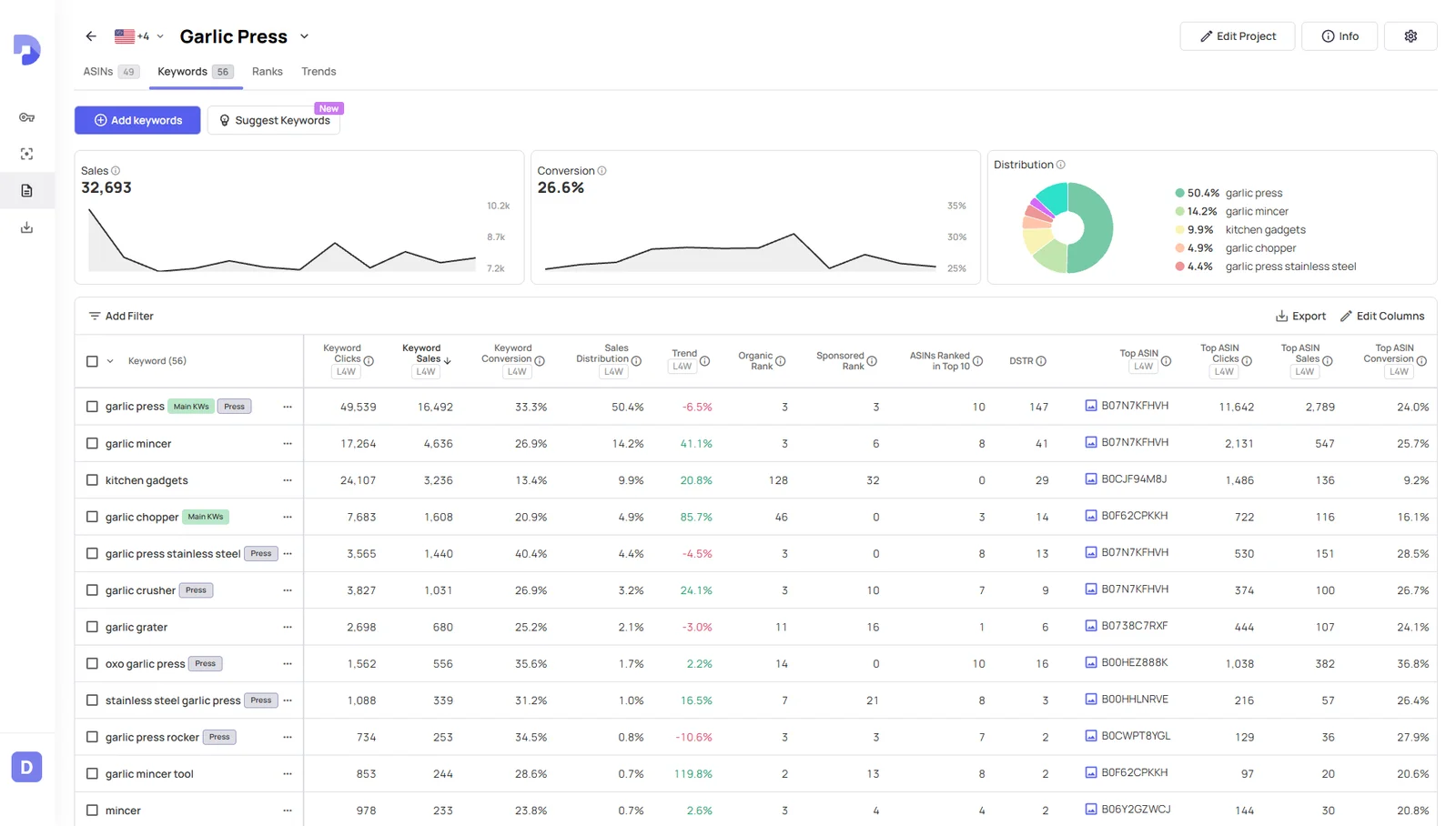
Your whole niche, organized into one Project
Save the ASINs and keywords you care about into a Project. Datarova then tracks the keyword ranks, BSR and demand trends behind your niche in one place, and it can even suggest ASINs and keywords worth adding.
- Save the ASINs and keywords in your niche into one Project
- Track keyword ranks, BSR and demand trends for the whole niche in one place
- Get suggestions for ASINs and keywords worth adding as your niche grows
Step 3: Track
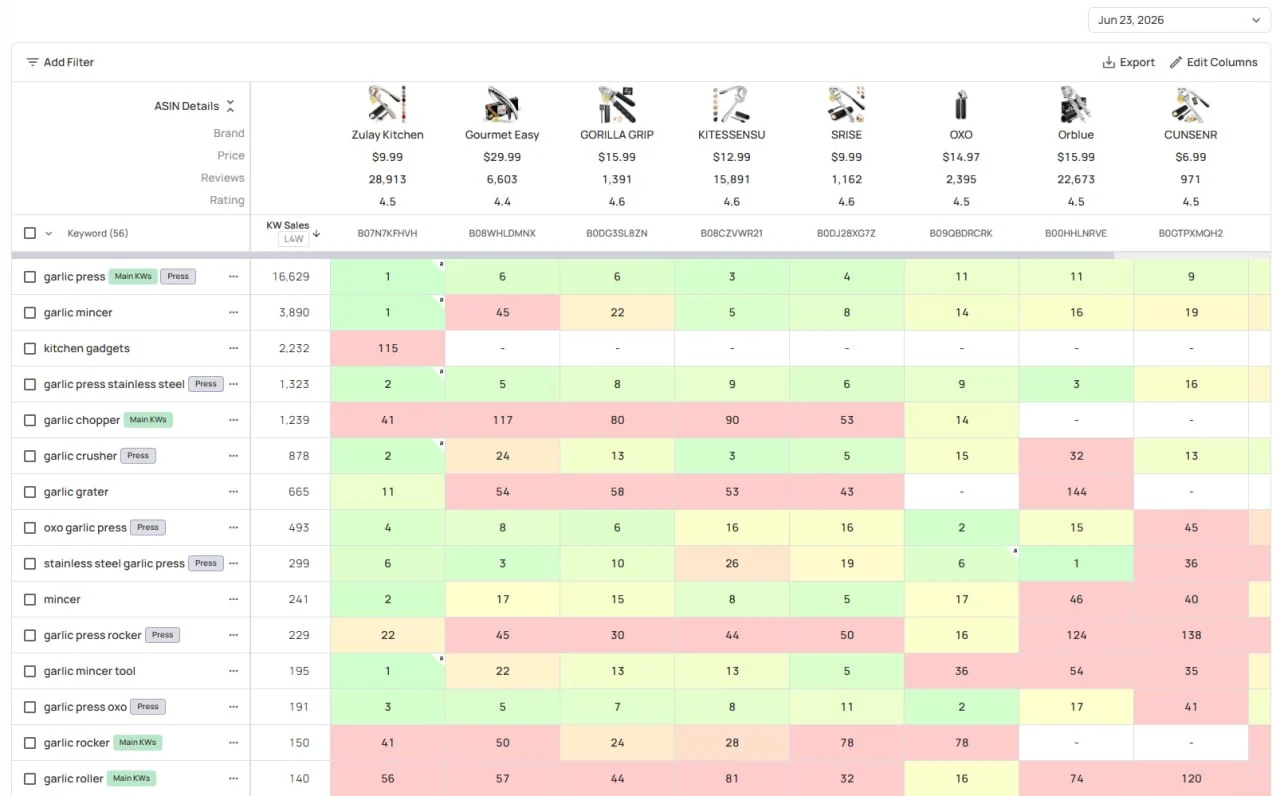
Never miss a rank move in your niche
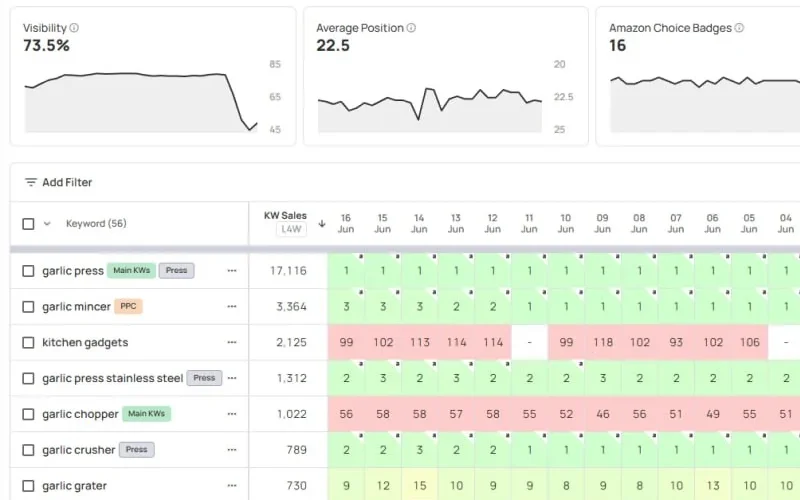
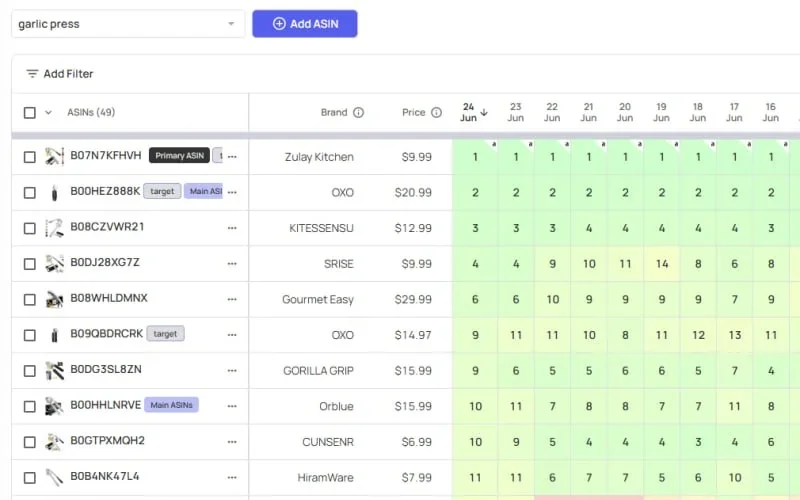
Every Project tracks organic and sponsored ranks, BSR and demand for your niche. And when a rank starts moving, Datarova automatically checks it more often, so you catch volatility as it happens. No flagging keywords for closer tracking, it just happens.
- Tracking speeds up automatically when your ranks start moving, no manual boosts needed
- Drop a position? See exactly which ASIN took your place
- Compare BSR across your whole niche to catch shifts early
 Ranks by ASIN
 Ranks by Keyword
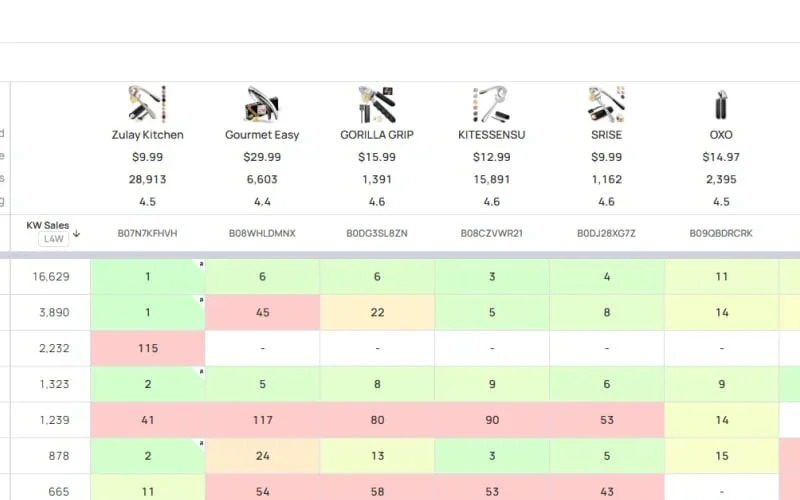 Rank Matrix
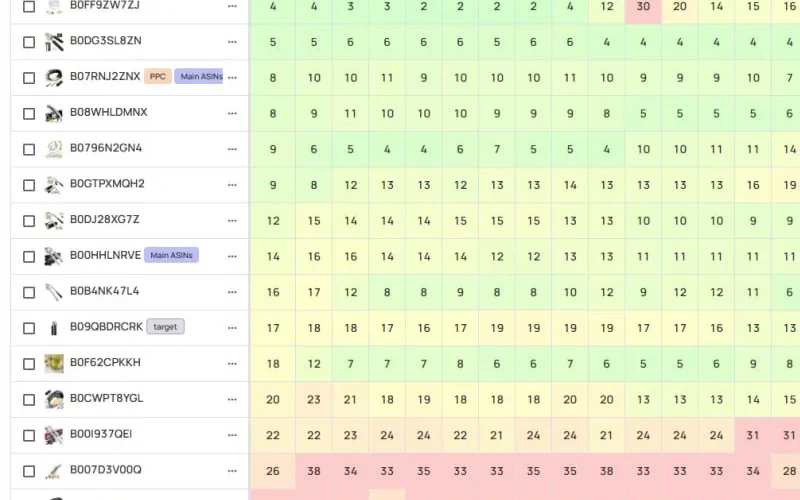 BSR Tracker
Step 4: Automate
Your data doesn’t live in Datarova. It lives where you work.
Connect your Google account once and Datarova creates a Sheet in your Drive, then keeps it updated every night with your latest keywords, ranks and trends. Prefer to pull instead? The API gives you full access to everything you track, wherever you want to use it.
- Google Sheets: a Sheet in your own Drive, updated automatically every night
- API: full access to all your data, ready for dashboards, scripts and AI tools
- Set either up once and never export a file again
Why Amazon sellers switch to Datarova
Data others don’t haveKeyword clicks, sales and conversion rates, where other tools stop at estimated volume.
Ranks from every angleView ranks by ASIN, by keyword, or across your whole niche in the Rank Matrix.
Never locked inYour data lands in your own Google Sheet and flows through the API. It’s yours.

The only app that I use for keyword research. Really love the focus on keywords that generate sales and move the needle, vs other tools that just guess search volume. Awesome also for understanding seasonality.

Datarova is much faster than any other app and makes it easy to quickly access my keyword data

We've tried all the tools for Amazon sellers and Datarova is by far the best. It gives us information that we just can't get anywhere else.